Introduction
Airborne lets you ship code and asset updates to your React Native, Android, and iOS apps over-the-air — without waiting on an app store review for every change. Bundle your JavaScript and assets, target them at precise user segments, ramp traffic gradually, and roll back instantly if something looks wrong.
You can use the Juspay-hosted service or self-host the entire stack.
How Airborne fits together
Airborne has four parts. Most teams use the SDK plus one of the CLIs, and either the hosted dashboard or their own server.
- Client SDK — A lightweight native SDK (with a React Native plugin) that boots your app from the latest downloaded bundle, falling back to the version shipped in the binary. It fetches a release config, downloads packages and resources, and hands React Native a bundle path. See the React Native SDK.
- CLIs — Two command-line tools:
airborne-devkit(the React Native CLI) — a high-level workflow tool that scaffolds config, bundles your app, uploads files, and cuts packages straight from your RN project.airborne-core-cli(the Core CLI) — the low-level client (generated from the API model) for organisations, files, packages, releases, and dimensions.
- Server — The control plane (Rust + Actix-web) that stores files, packages, releases, and RBAC policies, and serves the release config to your apps. Run it locally or deploy it to AWS.
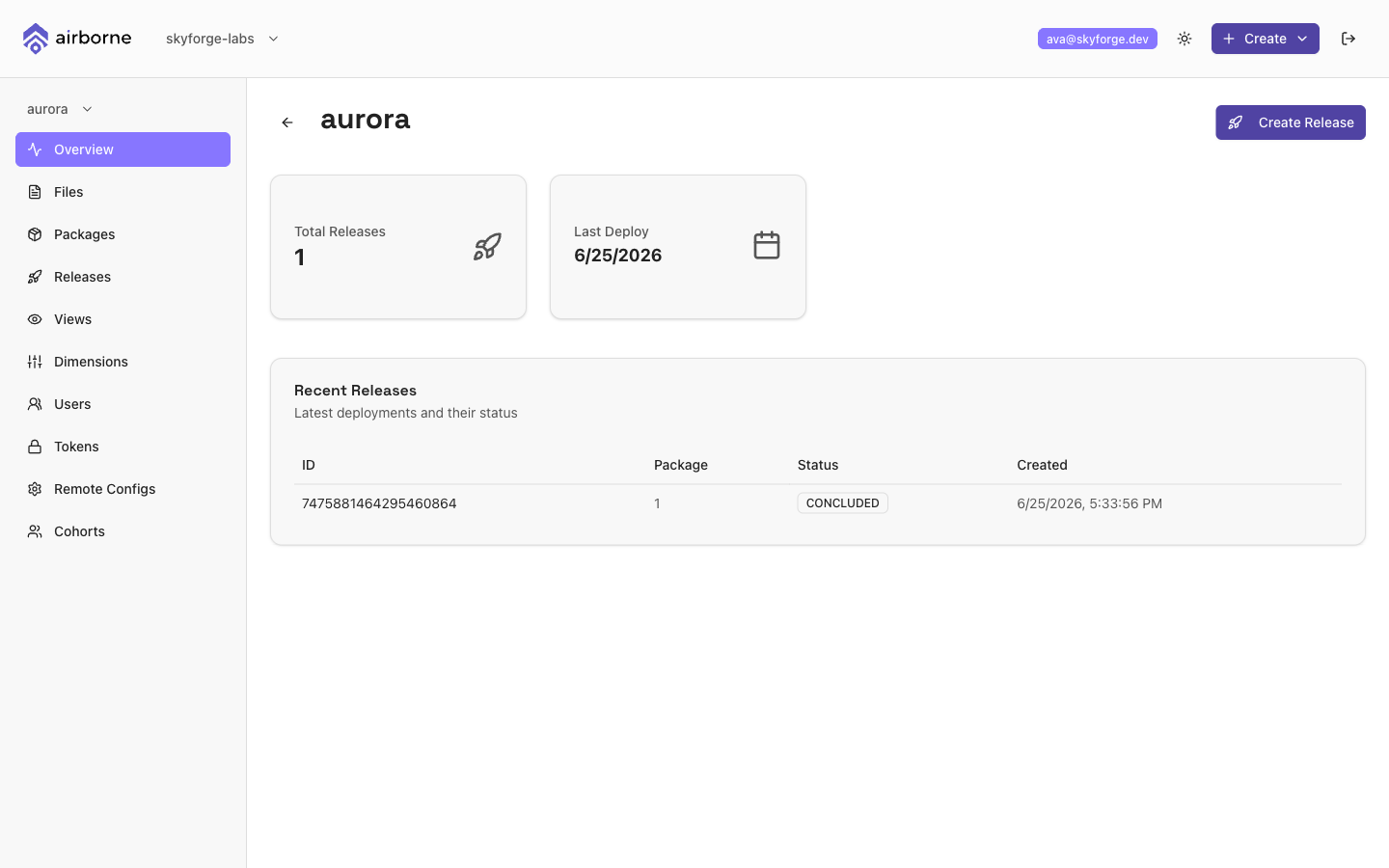
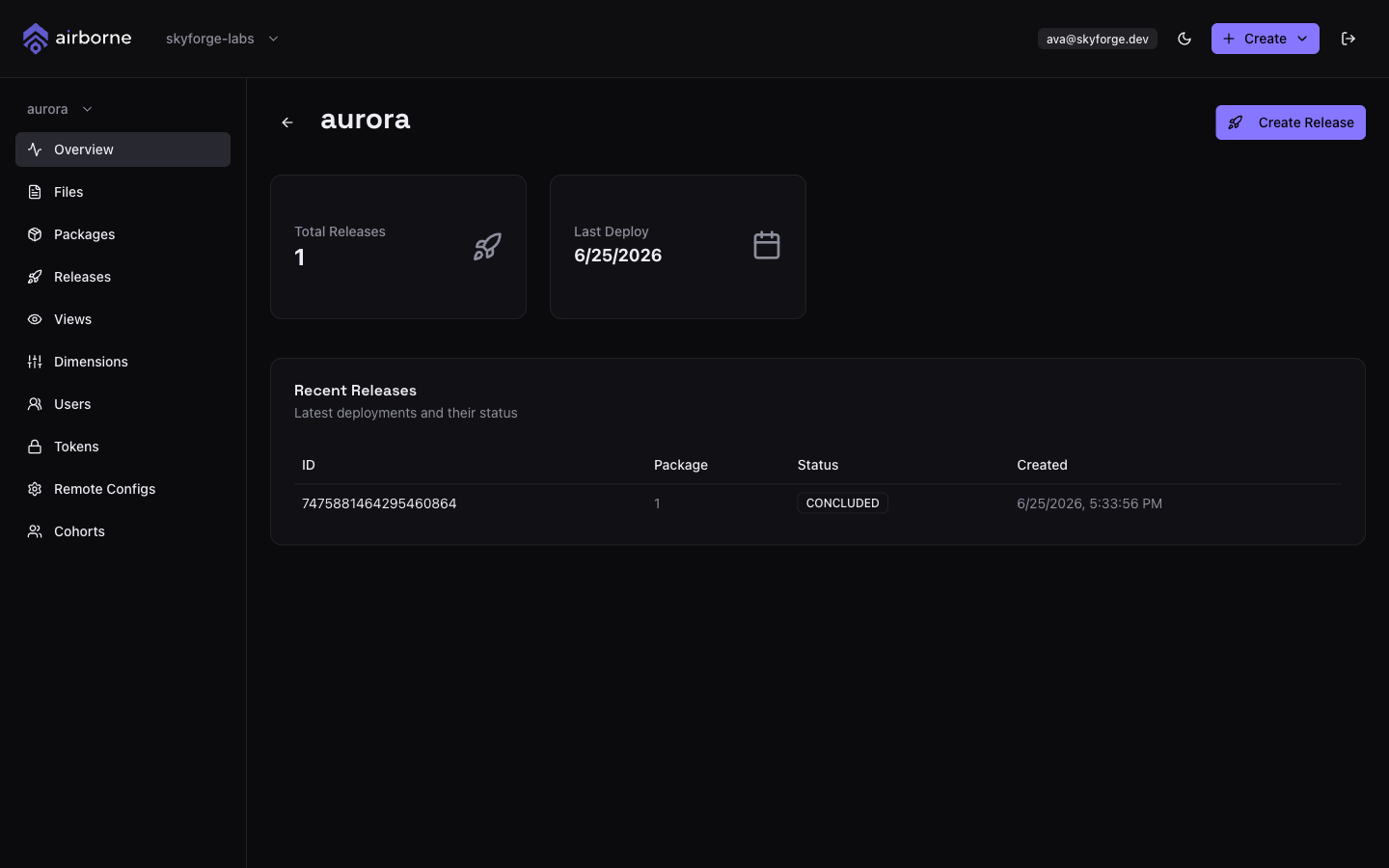
- Dashboard — The web UI for creating releases, targeting them by dimension and version cohort, ramping traffic, and watching adoption. See the Dashboard docs.
Core concepts
A few terms show up everywhere in Airborne:
- File — A single versioned artifact (a JS bundle, image, font, …) identified by its path and a content checksum.
- Package — An atomic unit that boots your app: an index file plus a set of files. Files are either important (must arrive before the boot timeout or the package isn't used) or lazy (downloaded in the background after boot).
- Resource — A standalone file that works in any combination; resources that arrive before the boot timeout are used that session.
See Download & boot flow for how important, lazy, and resource files race the boot timeout, with diagrams for the happy case and the two timeout cases.
- Release — A package + config + optional targeting, rolled out as an experiment (control vs experimental) whose traffic you ramp and then conclude.
- Dimension — A targeting attribute (for example
city,os, orapp_version). Dimensions can be standard or cohort (segments derived from another dimension, such as version ranges). - Release config — The JSON your app fetches at boot describing the current package, resources, timeouts, and config properties.
Where to start
Already integrated? Jump to the React Native SDK reference, the Core CLI command reference, or the server configuration.