Remote Configs
Remote configs let you ship configuration — feature flags, tunable values, content — alongside a release without changing code. You first define a schema describing the shape and types of your configuration, then each release supplies values that conform to it. The schema gives you validation and a typed form in the release wizard instead of hand-edited JSON.
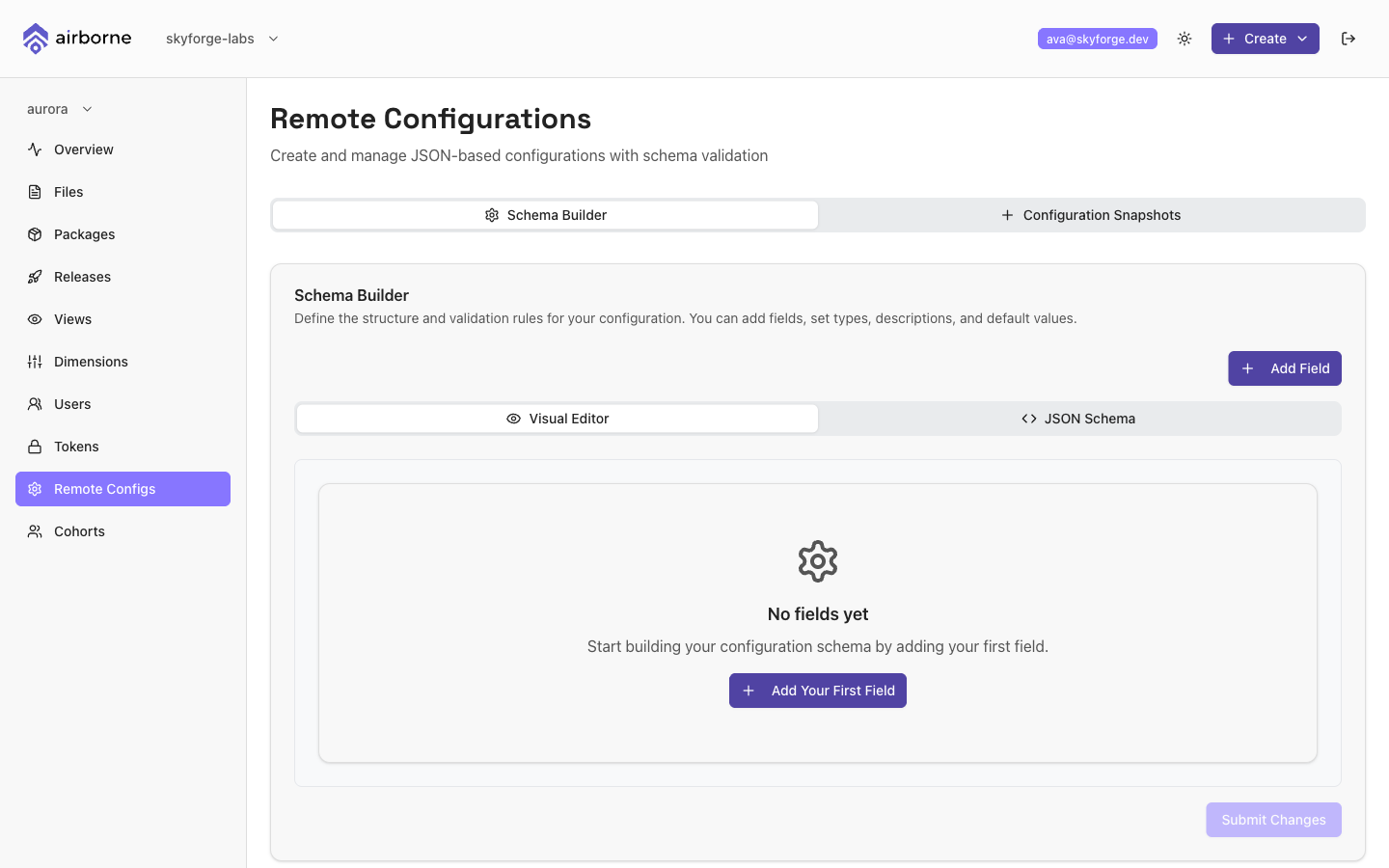
The Remote Configurations page
The page is titled Remote Configurations and has two tabs:
- Schema Builder — define the structure and validation rules for your configuration.
- Configuration Snapshots — review the schema as JSON, copy or export it, and see current and previous states.
Building the schema
In the Schema Builder, add a field for each configuration value your app reads. For each field you set:
- Name — the field's key.
- Type —
string,number,boolean,object, orarray. - Description — optional explanation of the field.
- Required — whether a value must be supplied.
- Default Value — an optional default, matched to the field's type.
Depending on the type you can add validation rules — for example minLength/maxLength/pattern/allowed values for strings, or minimum/maximum/allowed values for numbers. object and array types support nested fields: add child fields to build a structured configuration, and reorder fields by dragging them. Save the schema when you are done.
Model your schema around what the app actually reads at runtime. Mark fields Required when the app can't function without them, and give everything else a sensible Default Value so older clients behave predictably.
How the schema attaches to a release
The schema is per-application, and each release fills in its values. In the release wizard's Step 3 — Remote Config, Airborne renders a form generated from the schema:
- One input per field, typed to match the schema — text boxes, number inputs, checkboxes, dropdowns (for enumerated values), and JSON editors for objects and arrays.
- Required fields are validated before you can continue.
- A live Preview (JSON) shows the resulting configuration object.
Those values are stored as the release's configuration properties and served to the clients the release targets. If a release has targeting rules, the schema is loaded in the context of those dimensions so the values apply to exactly that audience.
If no schema is defined for the application, the release wizard's Remote Config step simply notes that there's nothing to configure and lets you continue. Define a schema here first if you want to ship remote configuration with a release.