Packages
A package bundles together the files your app needs into a single, versioned unit. Every package has one index file — the main entry point — plus any number of supporting package files. You then ship a package version in a release.
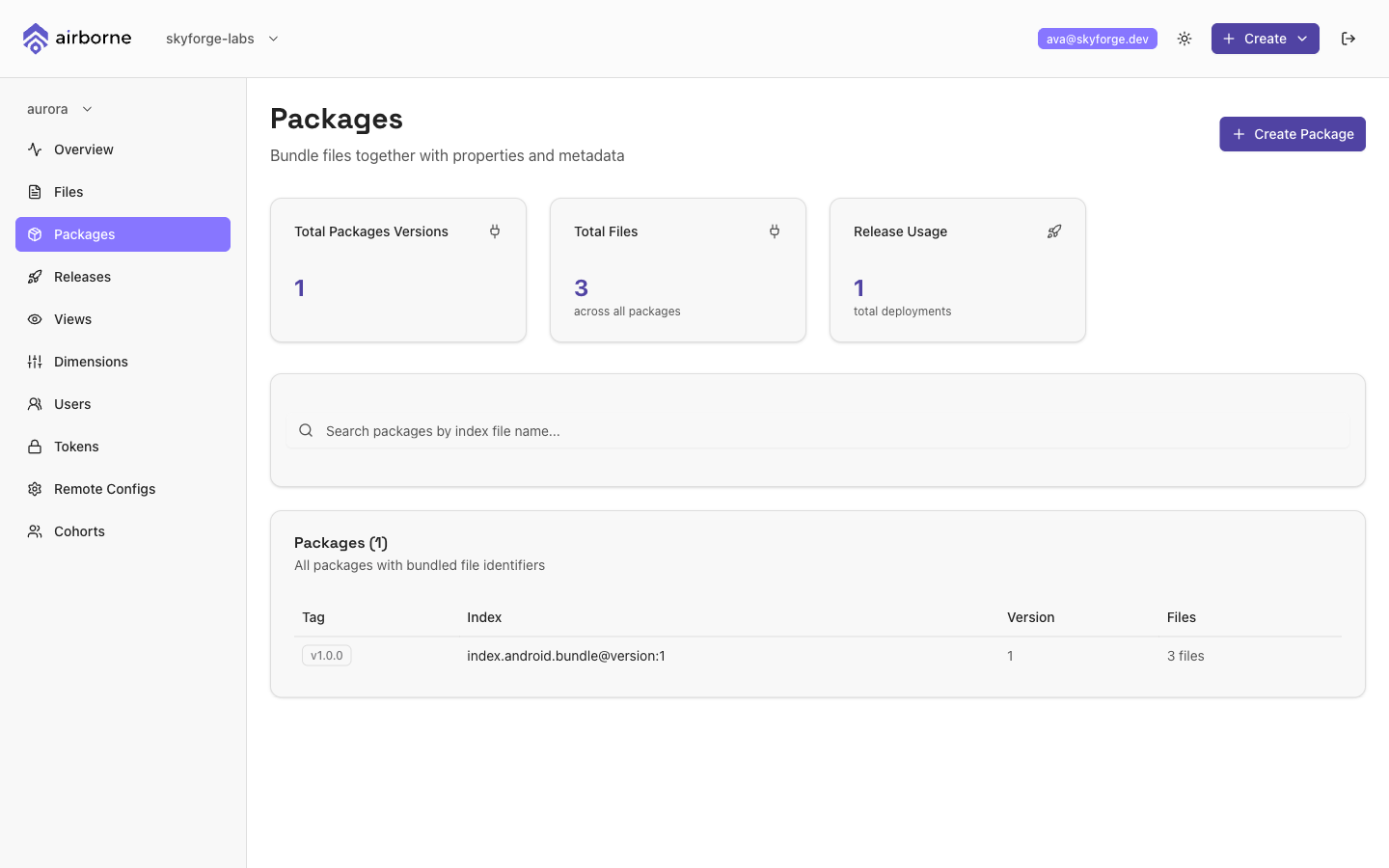
The Packages page
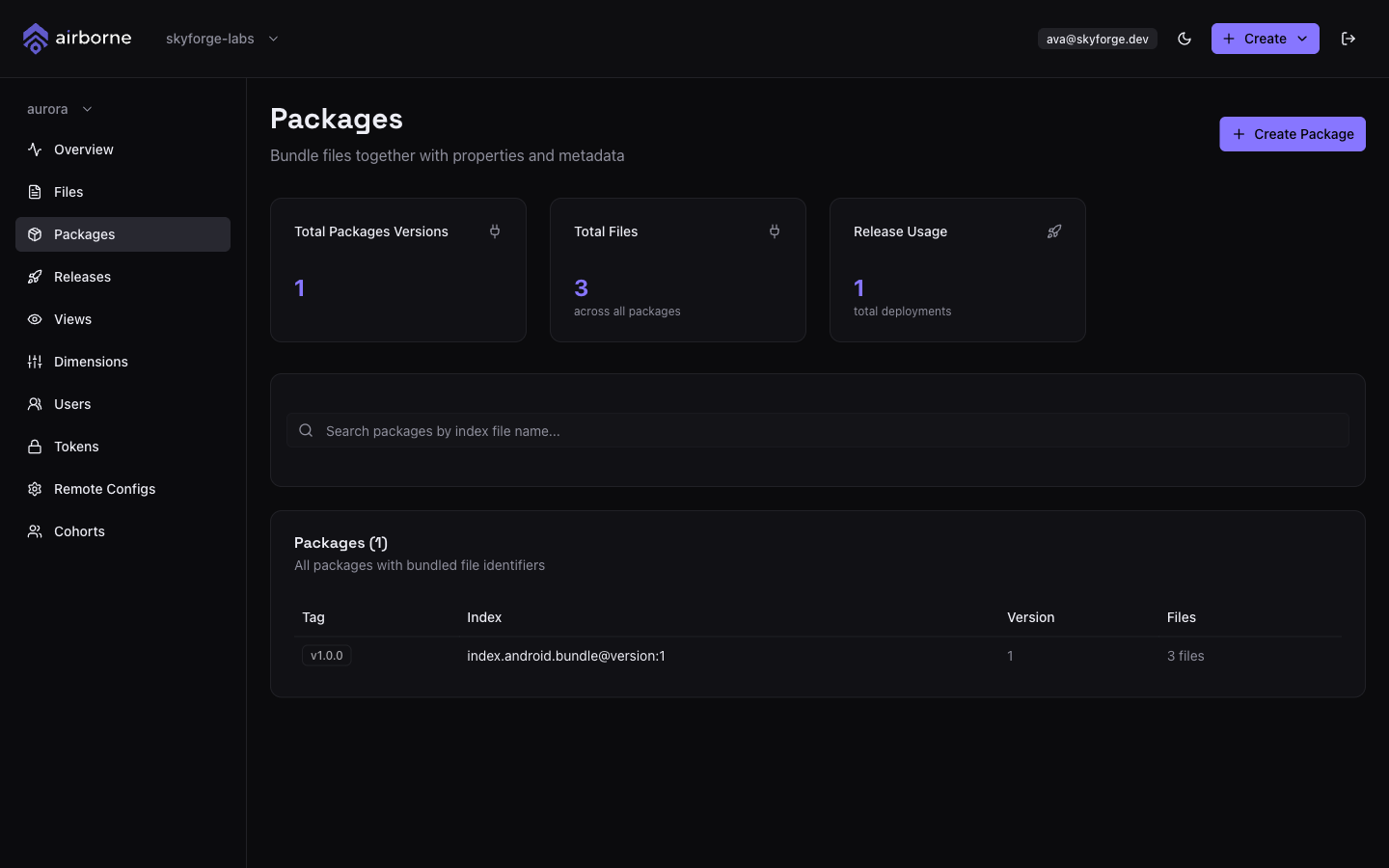
The page summarises your Total Packages Versions, Total Files across all packages, and Release Usage (how many deployments use packages). The table lists each package version with its Tag, its Index file, the Version number, and the count of Files it contains. Use Search packages by index file name… to filter the list.
Creating a package
Choose Create Package (on the Packages page, or via the header's + Create → Create Package`). This opens the Create Package Version flow, which has two steps.
Step 1 — Package details and index file
First, optionally give the package a Tag (for example latest, v1.0, or production).
Then pick the index file — the main entry point for the package. Search and browse your registered files, expand a file to choose a specific version, and select one. A green confirmation shows the chosen file path and version once selected.
Choose Next Step to continue. (You cannot proceed until an index file is selected.)
Step 2 — Select package files
Now choose any additional package files to include. The file chooser supports search and tag filtering, lets you select multiple files at once, and lets you pick a specific version per file. The index file you chose in step 1 is automatically excluded from the list.
Adding package files is optional — a package can contain just its index file.
When you are done, choose Create Package to create the version. Use Previous to step back, or Cancel to abandon the flow.
Because every file in a package is a specific version, a package is an immutable snapshot of "exactly these files, exactly these versions." To ship updated files, register new versions and create a new package version.
Where packages go next
In the release wizard, the Package & Details step is where you pick which package version a release ships. Within the release you can also mark individual package files as important or lazy in the File Priorities step.