Files
A file is a single artifact your app downloads over the air — a JavaScript bundle, an image, a JSON blob, and so on. Each file is identified by a file path and hosted at a URL. Airborne keeps the full version history for every file path, so you can see exactly what was served and when. Files are later combined into packages and shipped in releases.
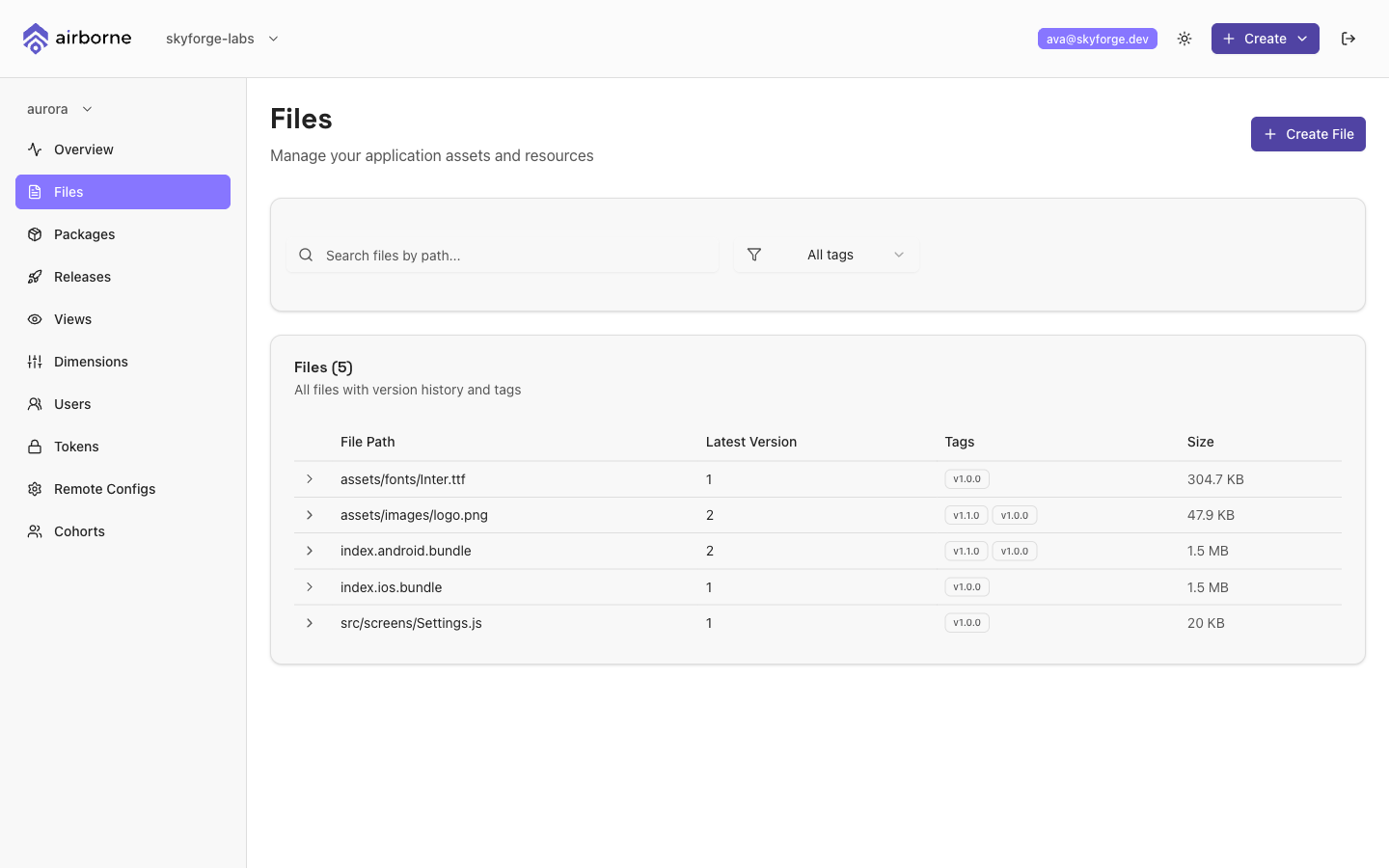
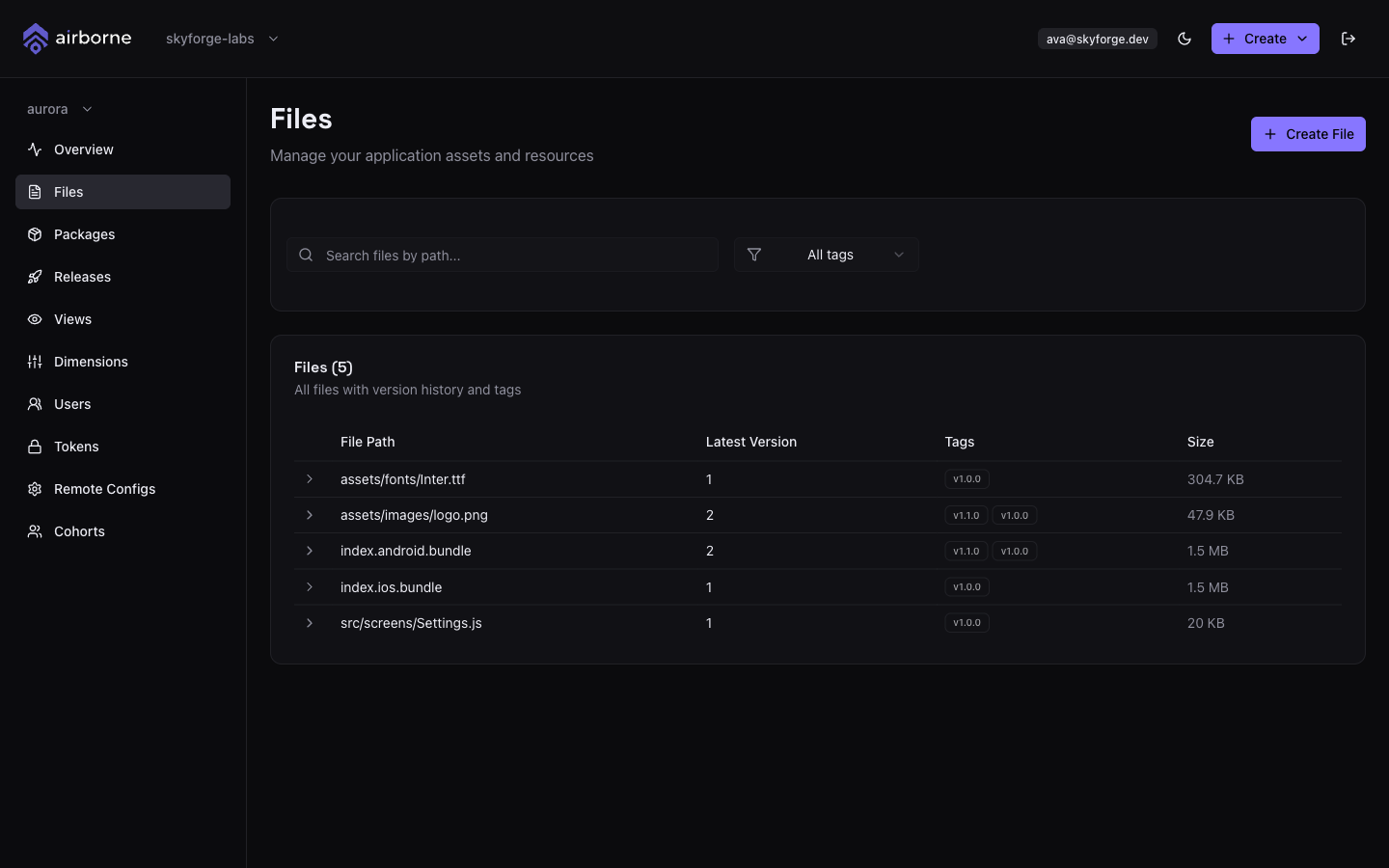
The Files page
Each row represents a file path and shows its Latest Version, its Tags, and its Size. To find a file:
- Type in Search files by path… to filter by path, or
- Use the Filter by tag dropdown to show only files carrying a particular tag.
Version history and tags
Expand a row (click the chevron) to see the full version history for that file path. Each version shows its Version number, its Tag, the URL it points to, its Size, and when it was Created.
Tags are human-friendly labels — like latest, production, or v1.0 — that you attach to a version so you can refer to it without remembering a version number. To change a version's tag, choose Edit Tag on that version, enter the new value, and choose Update Tag.
Tags are how packages and releases pick a specific version of a file. Keeping a stable tag like latest or production pointing at the right version makes it easy to assemble packages without chasing version numbers.
Creating a file
Choose Create File (on the Files page, or via the header's + Create → Create File).
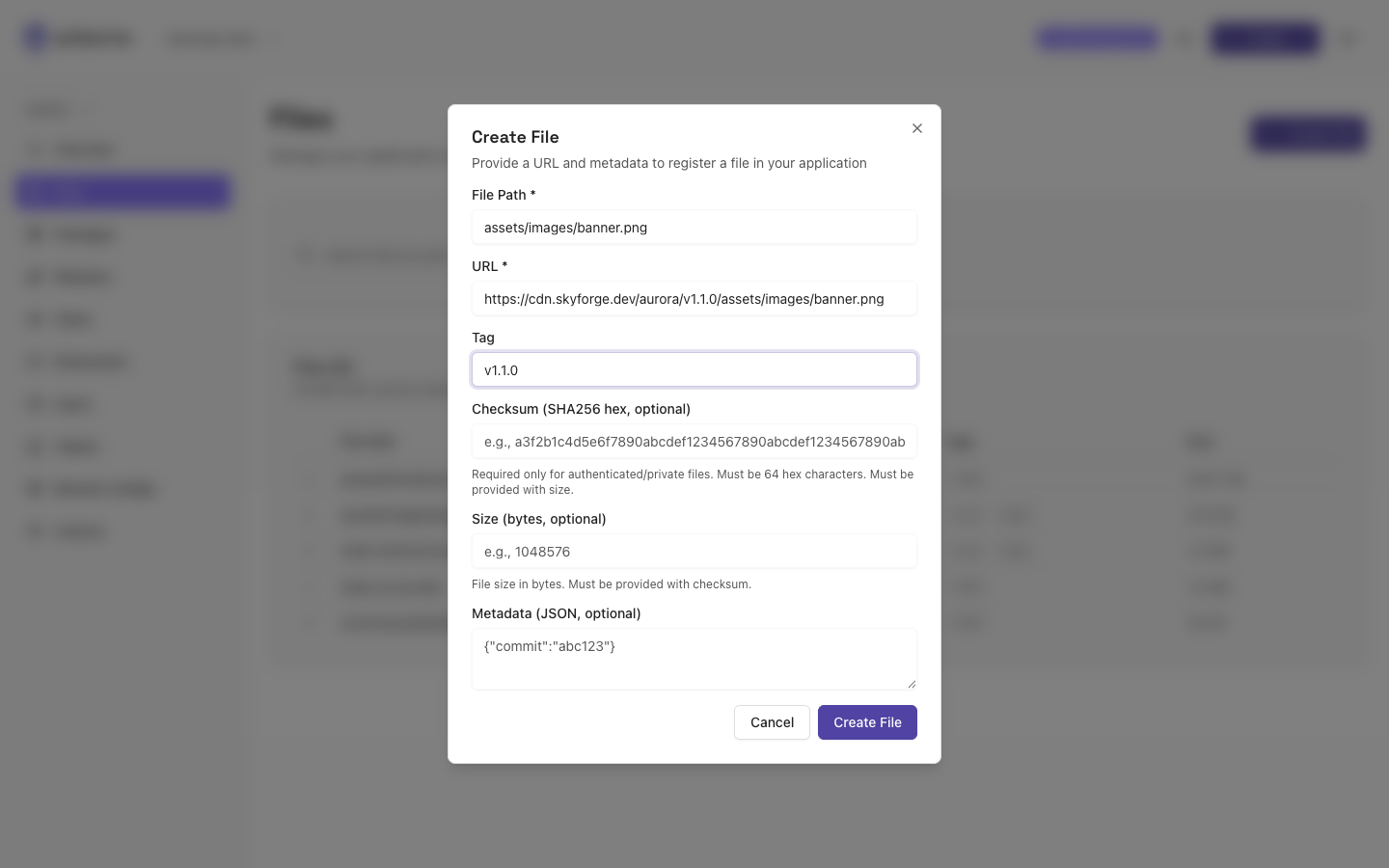
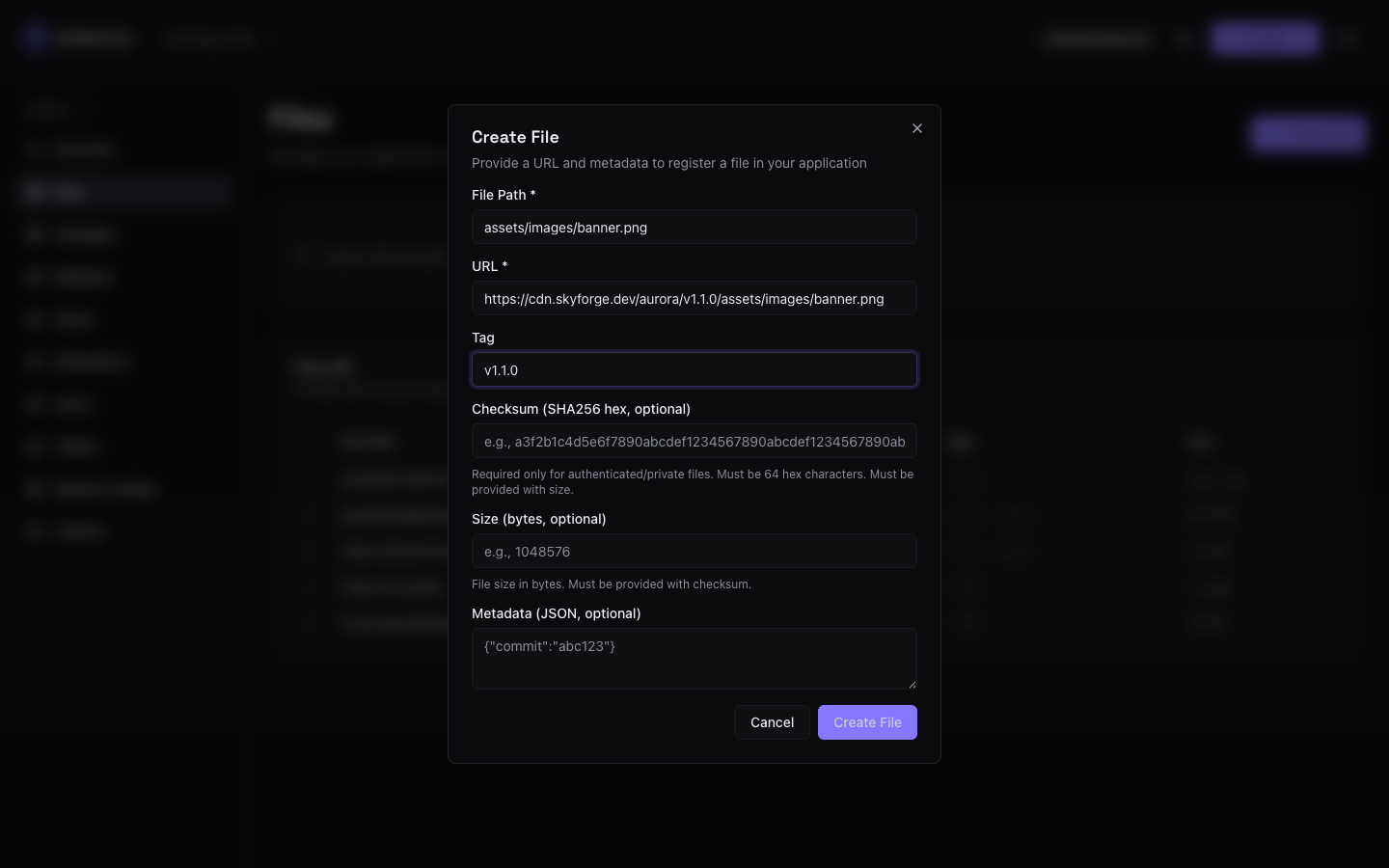
Fill in the modal:
| Field | Required | Notes |
|---|---|---|
| File Path | Yes | The path the file is known by, e.g. dist/app-bundle.js. |
| URL | Yes | Where the artifact is hosted, e.g. https://cdn.example.com/dist/app-bundle.js. |
| Tag | No | A label for this version, e.g. latest. |
| Checksum | No | A SHA-256 hash (64 hex characters). |
| Size | No | The file size in bytes. |
| Metadata | No | Arbitrary key/value data as JSON, e.g. {"commit":"abc123"}. |
A few rules the modal enforces:
- Checksum must be exactly 64 hexadecimal characters, and it must be provided together with Size (supply both or neither).
- Metadata must be valid JSON.
Choose Create File to register it. If the file path already exists, the new entry becomes the next version in that path's history.
Checksum and size are only required for authenticated or private files, where the SDK verifies integrity on download. For public assets you can leave them blank.
Where files go next
Once your files are registered, bundle them into a package (an index file plus its supporting files), then ship that package in a release.