Dimensions
Dimensions are the attributes you target releases on — things like app_version, os, country, or user_id. When you add a targeting rule to a release, you pick a dimension, an operator, and a value. This page is where you define which dimensions exist and in what priority order they are evaluated.
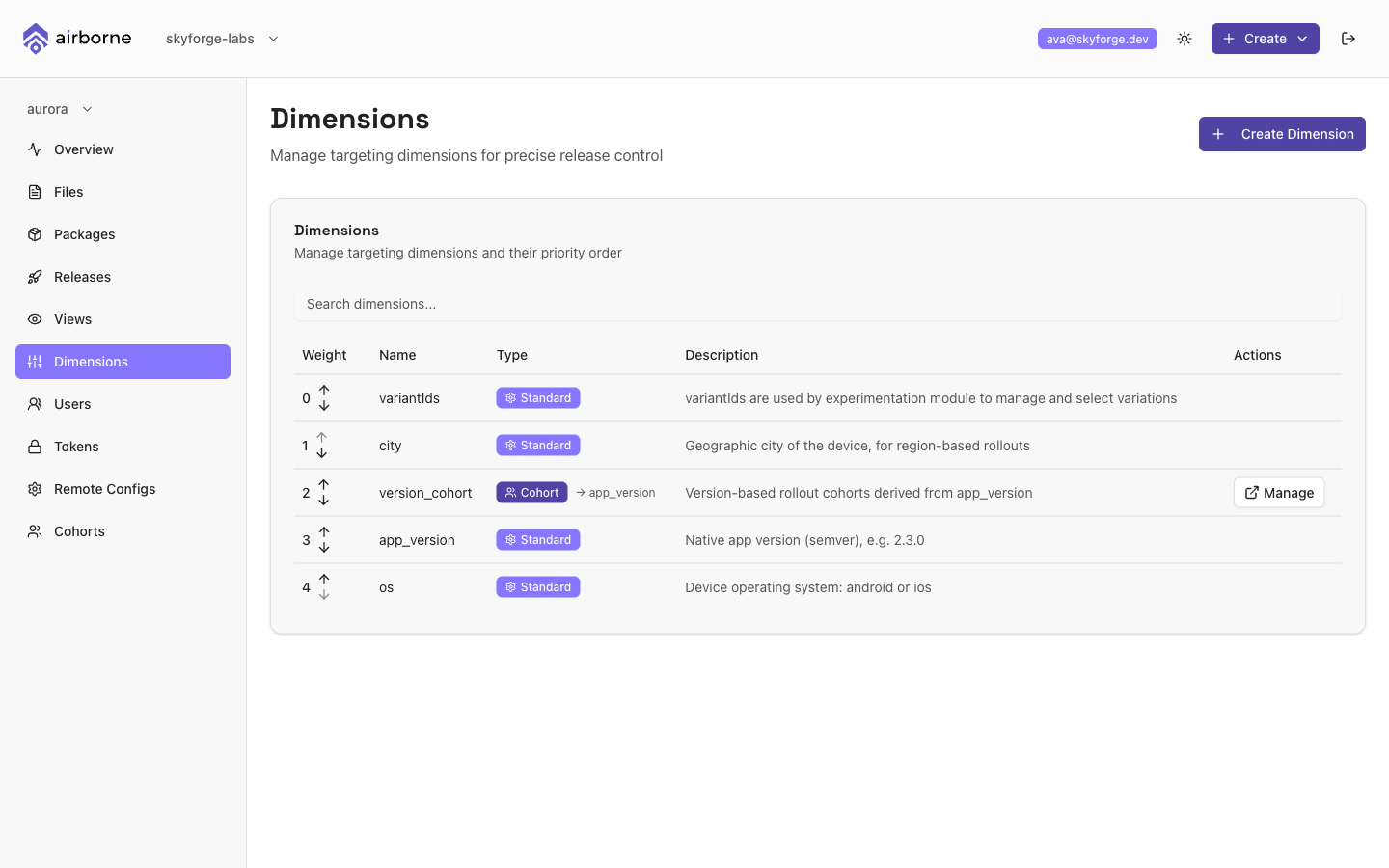
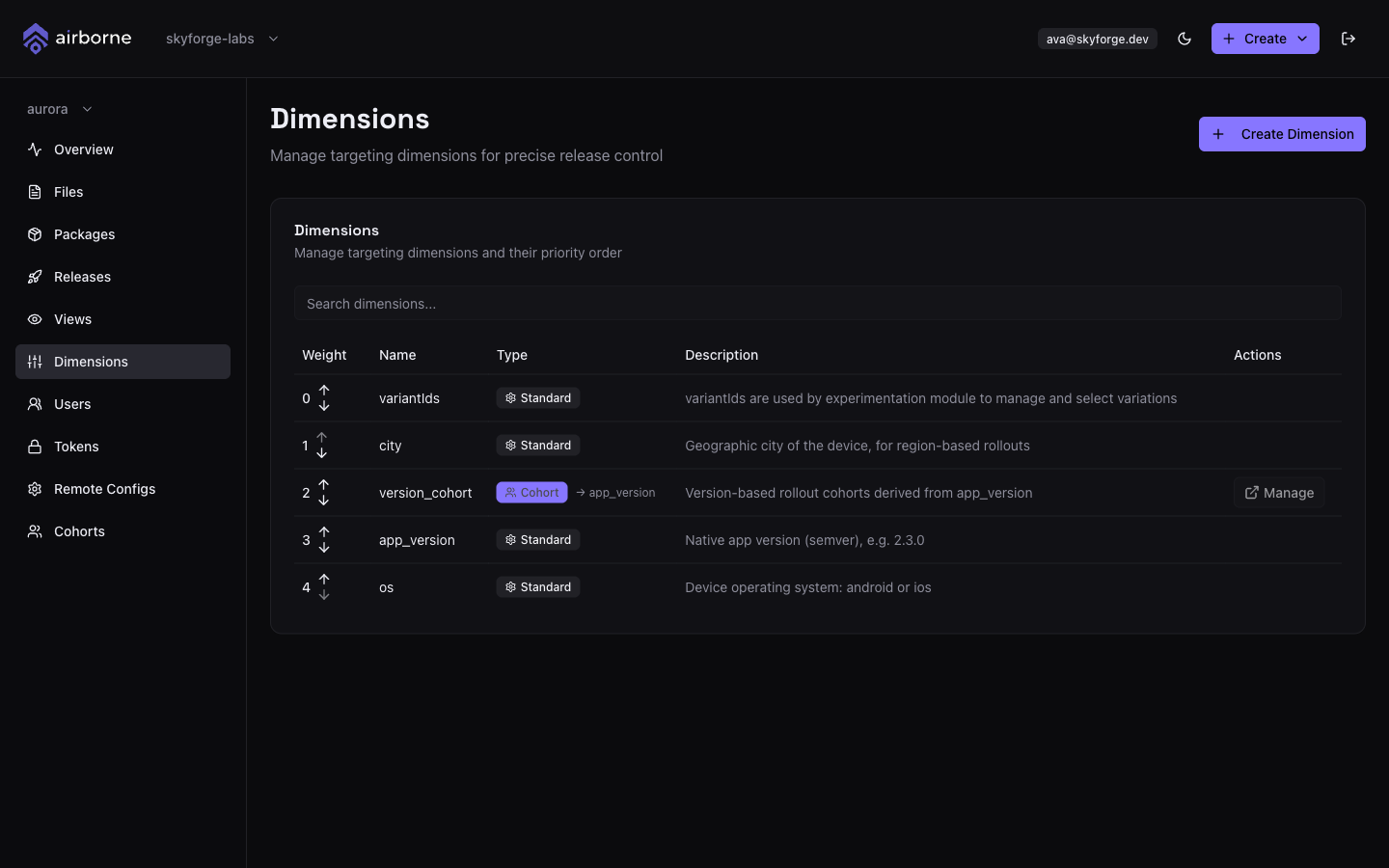
The Dimensions page
The table shows each dimension's Weight (its priority position), Name, Type, and Description. Use Search dimensions… to filter the list.
Standard vs Cohort
Dimensions come in two types:
- Standard — a plain attribute you match against directly (for example
app_versionorcountry). - Cohort — a derived dimension that segments users based on another standard dimension. A cohort always depends on a standard dimension and is tagged with
→ <dimension>in the list. Cohorts are managed on the Cohorts page; choose Manage next to a cohort dimension to jump there.
Creating a dimension
Choose Create Dimension.
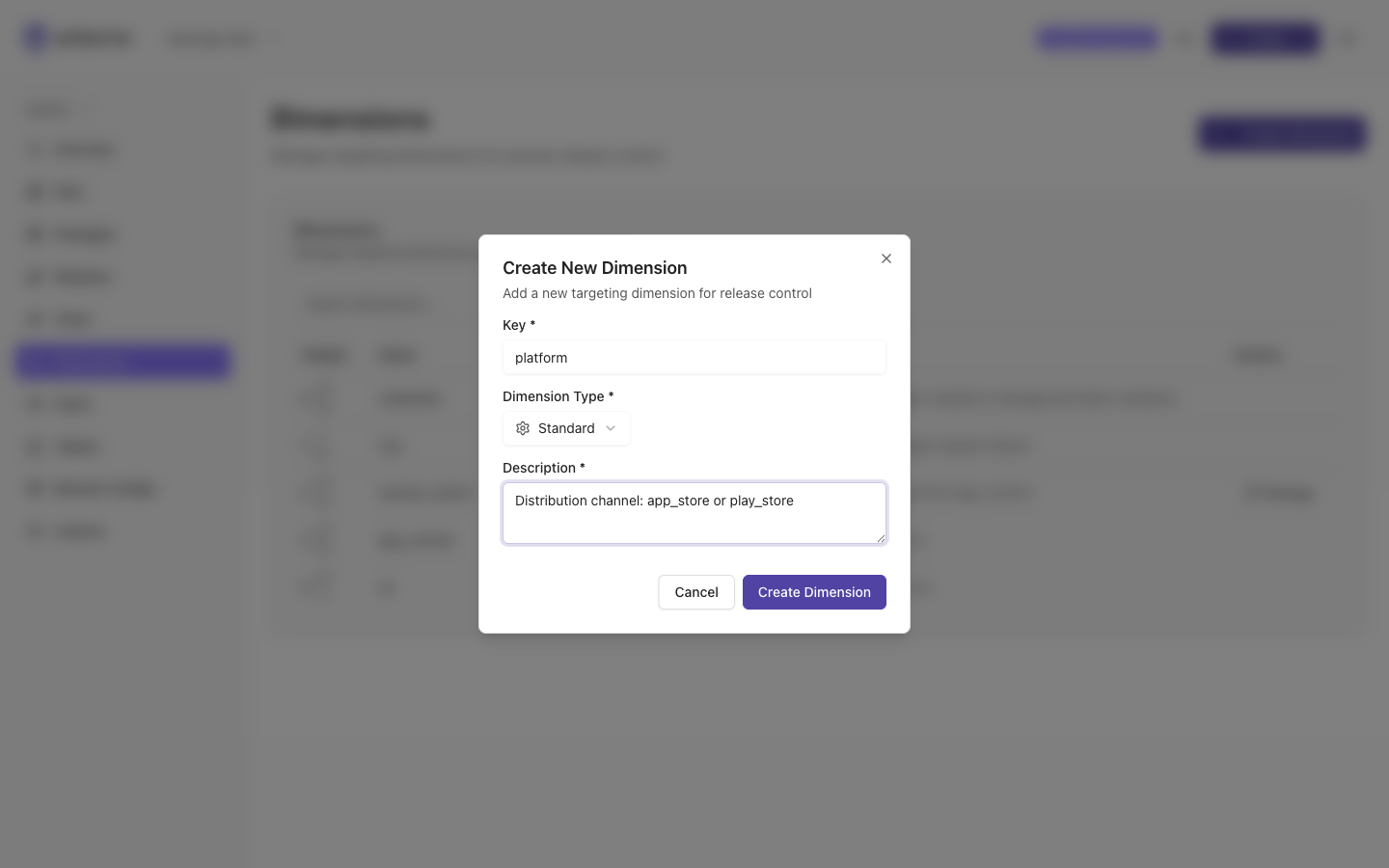
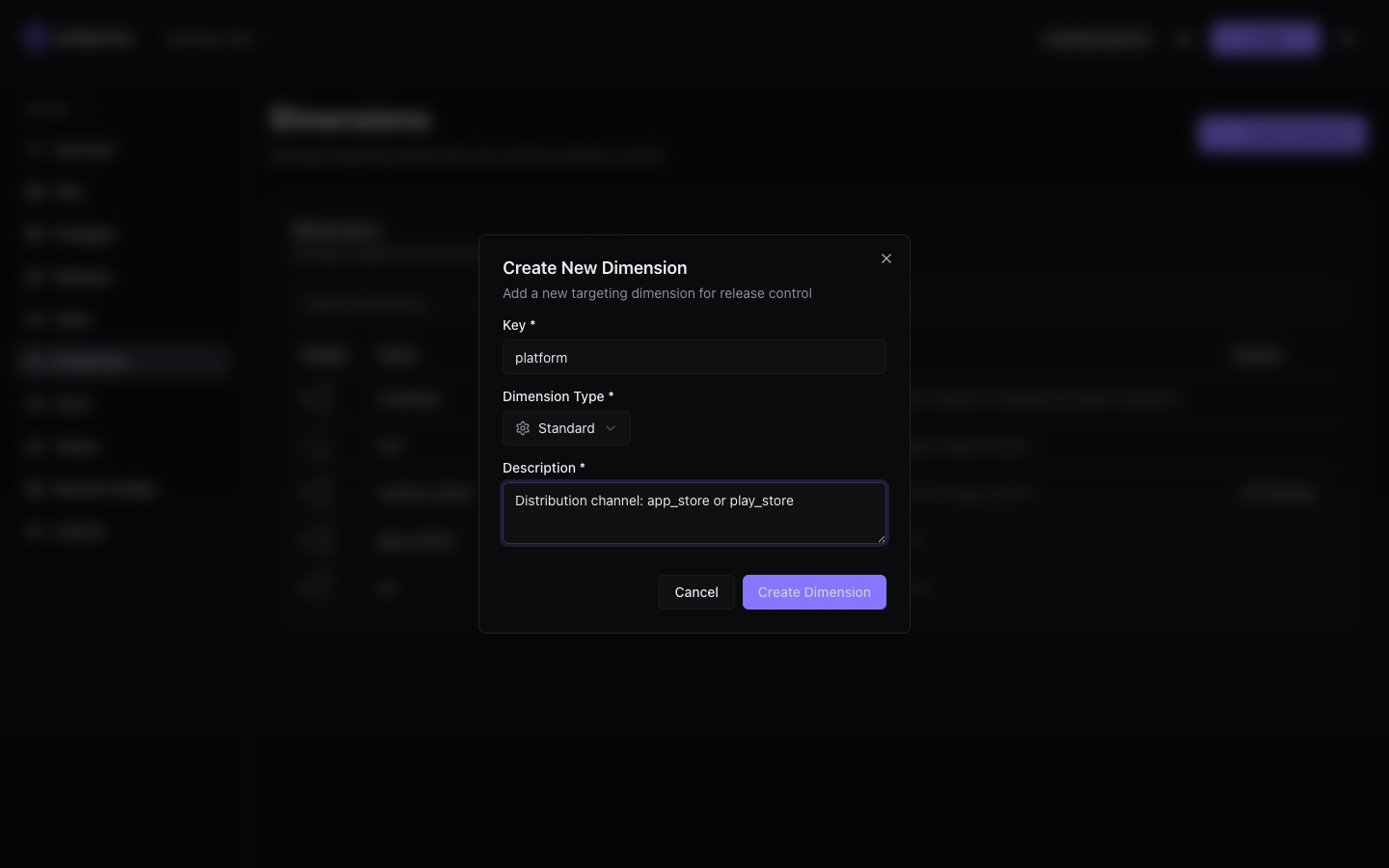
Fill in the Create New Dimension dialog:
- Key (required) — the dimension's identifier. Input is normalised to lowercase with underscores.
- Dimension Type (required) — Standard or Cohort. The Cohort option is disabled until at least one standard dimension exists.
- Depends On (required for cohorts) — appears only when you pick Cohort; choose the standard dimension this cohort segments on (for example
app_version). - Description (required) — a short explanation of what the dimension represents.
Choose Create Dimension to save it.
You need at least one standard dimension before you can create a cohort, because a cohort is built on top of a standard dimension. Create the standard dimension first, then the cohort that depends on it.
Priority order (Weight)
The Weight column defines the order dimensions are evaluated in — position 1 is highest priority. To reorder, use the up/down arrows in the Weight column to move a dimension; the up arrow is disabled at the top and the down arrow at the bottom. Changes are saved immediately.
Priority order matters when multiple dimensions could apply to the same user — higher-priority dimensions are considered first. Put your most specific or most important targeting attributes near the top.
Using dimensions in a release
In the release wizard's Targeting step, each rule pairs a dimension with a value. Standard dimensions take a free-text value; cohort dimensions show a dropdown of their values. See Cohorts for how those values are defined.