Applications
An application lives inside an organisation and is the unit you ship updates to — typically one app per platform. Files, packages, releases, dimensions, cohorts, remote configs, views, and tokens are all scoped to a single application.
Creating an application
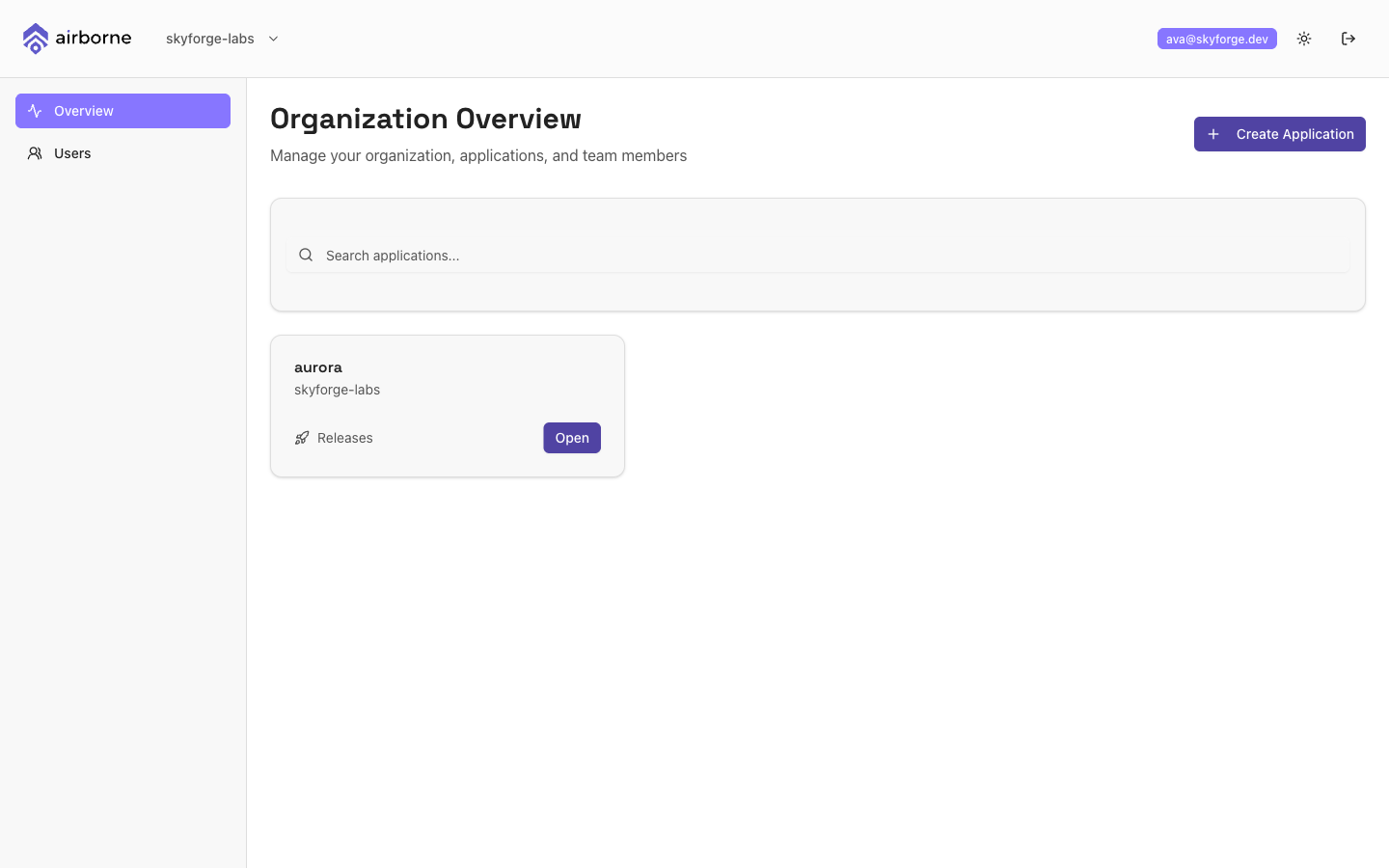
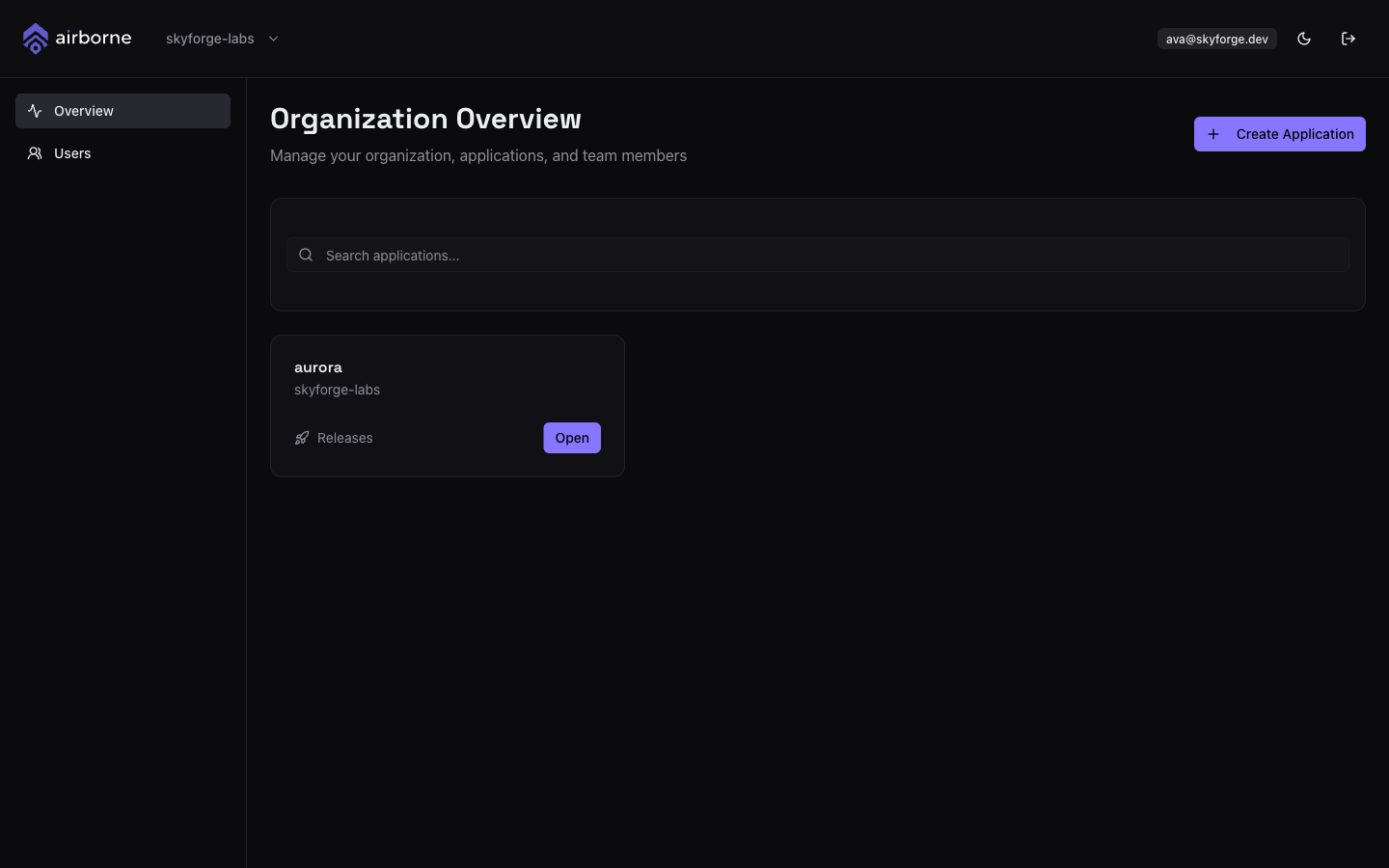
From the organisation overview, choose + Create Application.
In the Create New Application dialog, enter:
- Application name (required, up to 64 characters), and
- an optional Description.
Choose Create Application. The app appears as a card on the organisation overview — choose Open to enter it.
On a brand-new organisation with no apps yet, the dashboard prompts you with Create your first Application directly. Enter a name and choose Create Application to get started.
The application overview
Opening an application lands you on its overview — the home page for everything you do with that app.
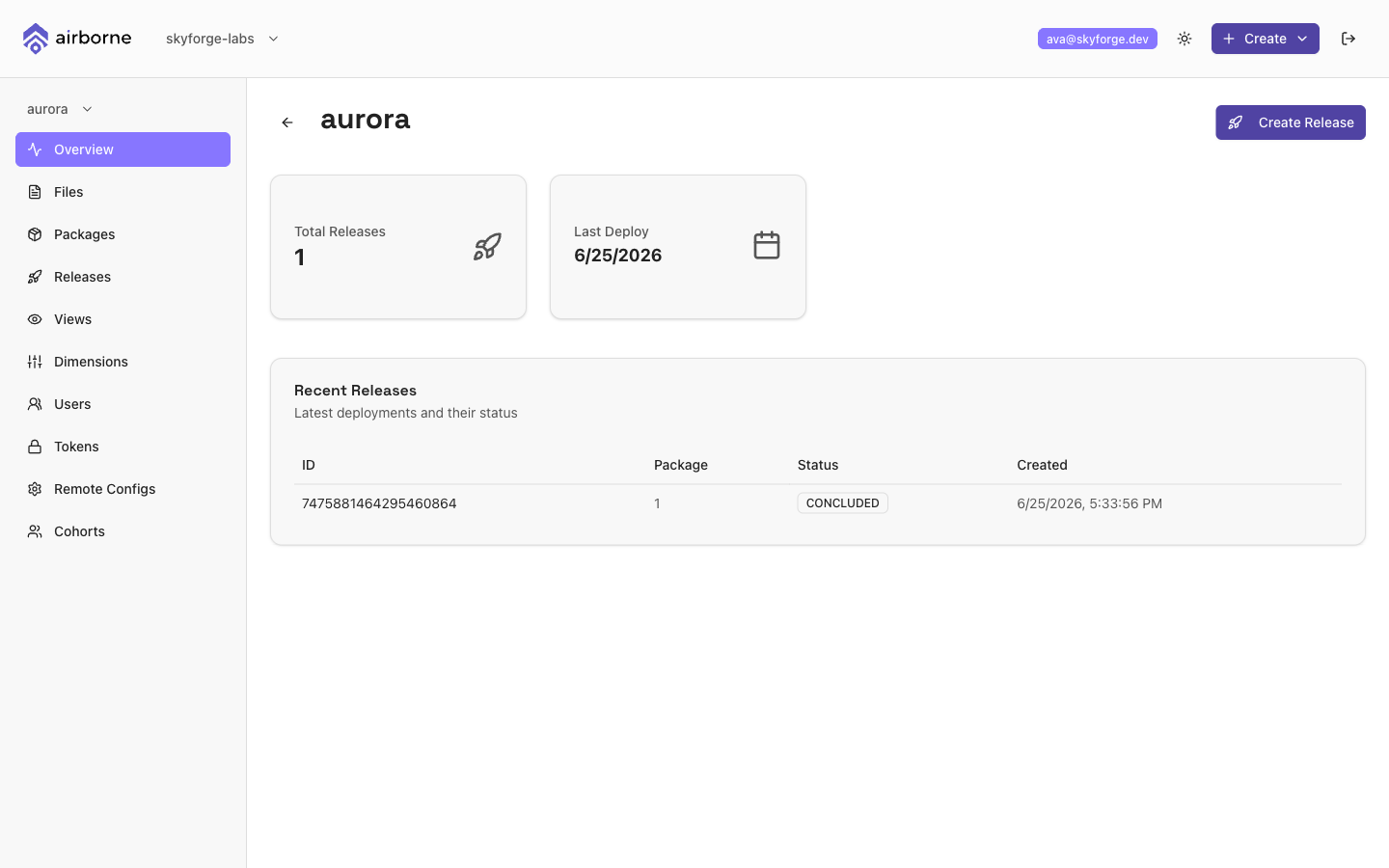
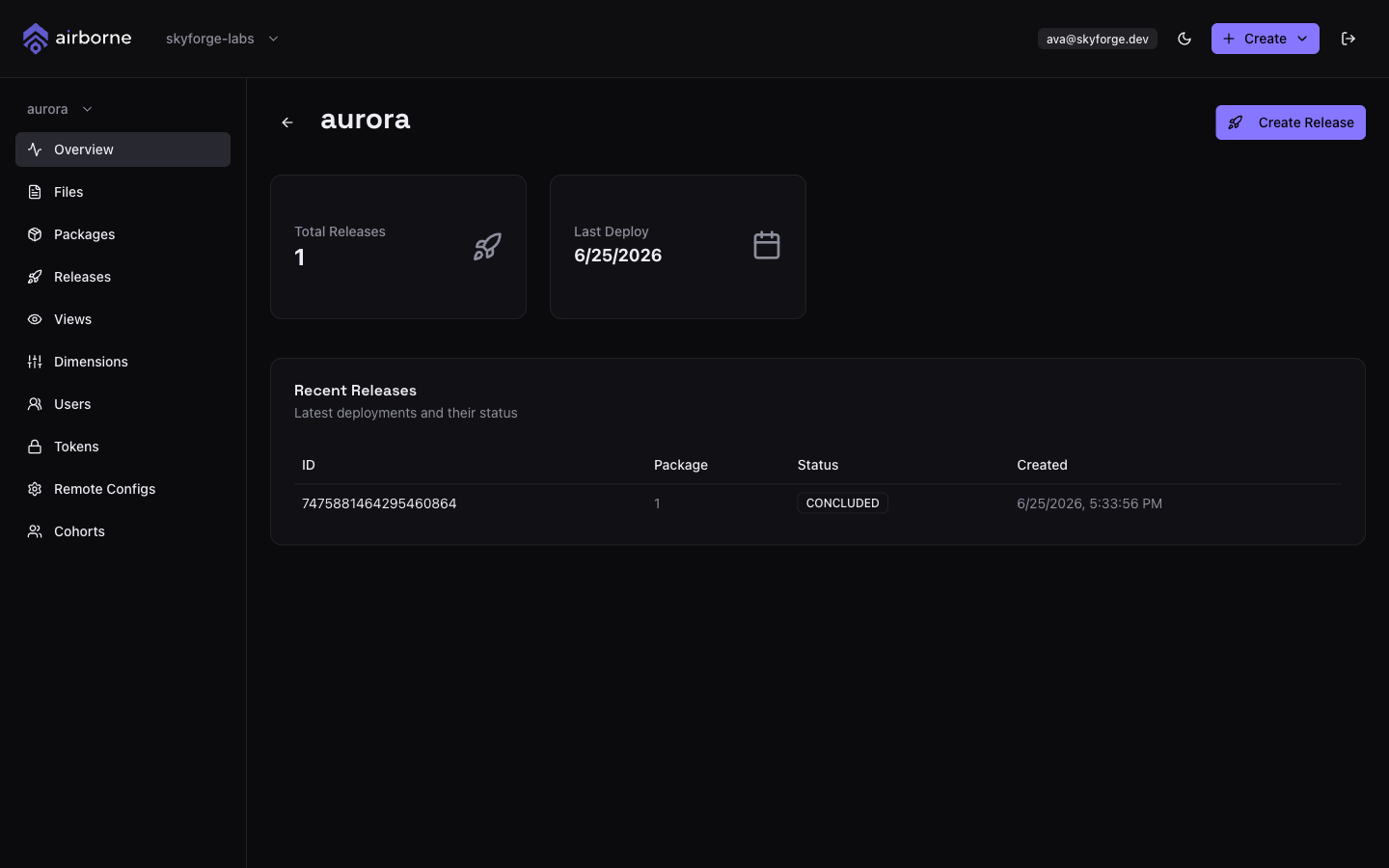
It shows:
- Total Releases — how many releases the app has.
- Last Deploy — when the most recent release went out.
- Recent Releases — a table of the latest releases with their
ID,Packageversion,Status, andCreatedtime. Click any row to open the release detail. - A Create Release button to jump straight into the release wizard.
The application navigation
Inside an application the left sidebar lists every feature, in this order:
| Item | What it does |
|---|---|
| Overview | The stats and recent-releases home page. |
| Files | Register and version the files your app downloads. |
| Packages | Bundle files into packages. |
| Releases | Create and manage releases. |
| Views | Saved dimension filters — see Views. |
| Dimensions | Targeting dimensions. |
| Users | App-level users & roles. |
| Tokens | Personal access tokens for the CLIs. |
| Remote Configs | The remote-config schema builder. |
| Cohorts | User cohorts for segmentation. |
Use the application switcher at the top of the sidebar to move between apps in the same organisation.
The header's global + Create menu is a shortcut to Create File, Create Package, and New Release for the application you are currently in.