Access Tokens
Personal access tokens authenticate the Airborne command-line tools against your application. Each token is a pair — a client ID and a client secret — that the React Native CLI and Core CLI exchange for an access token. Tokens are managed per application on the Tokens page.
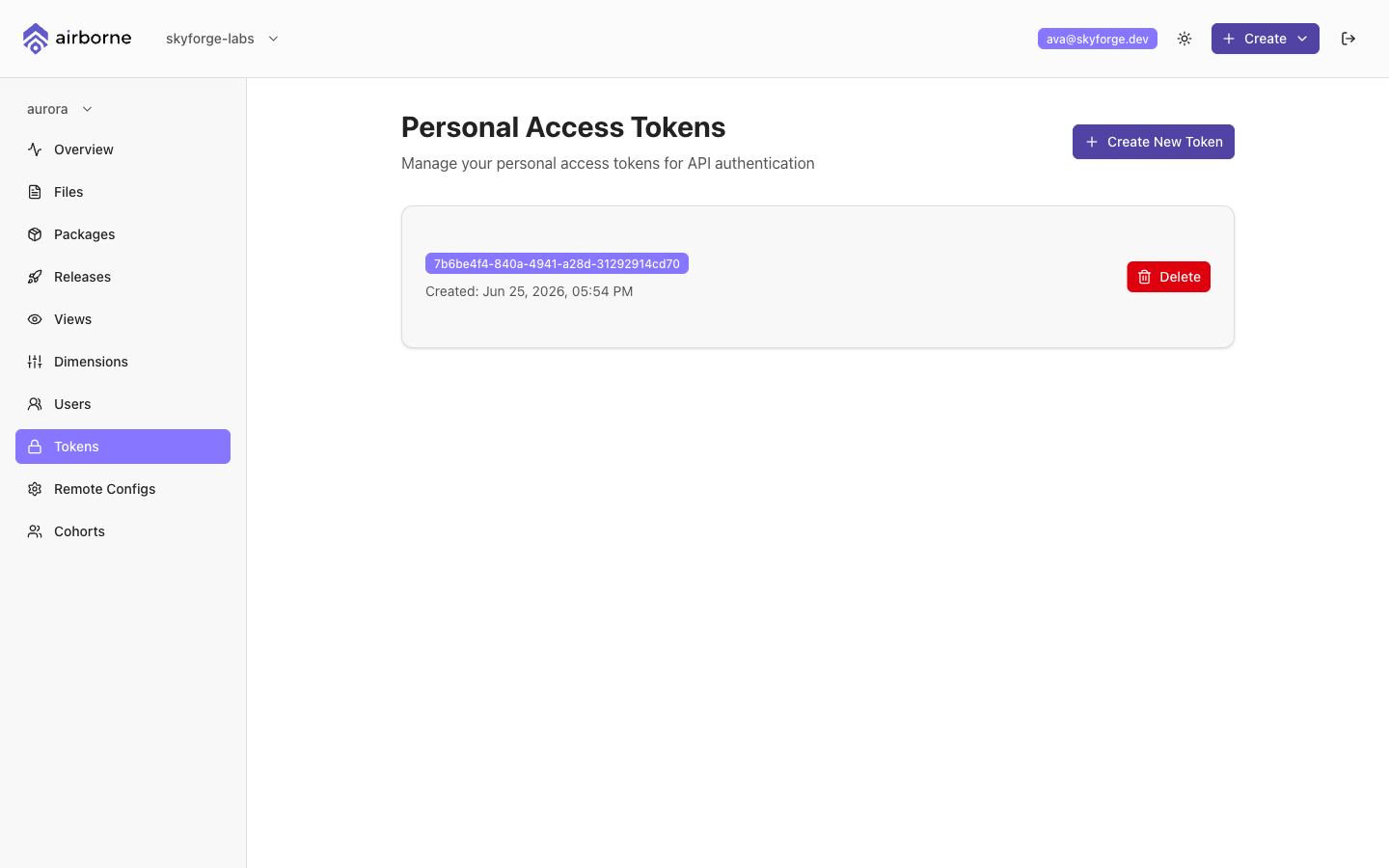
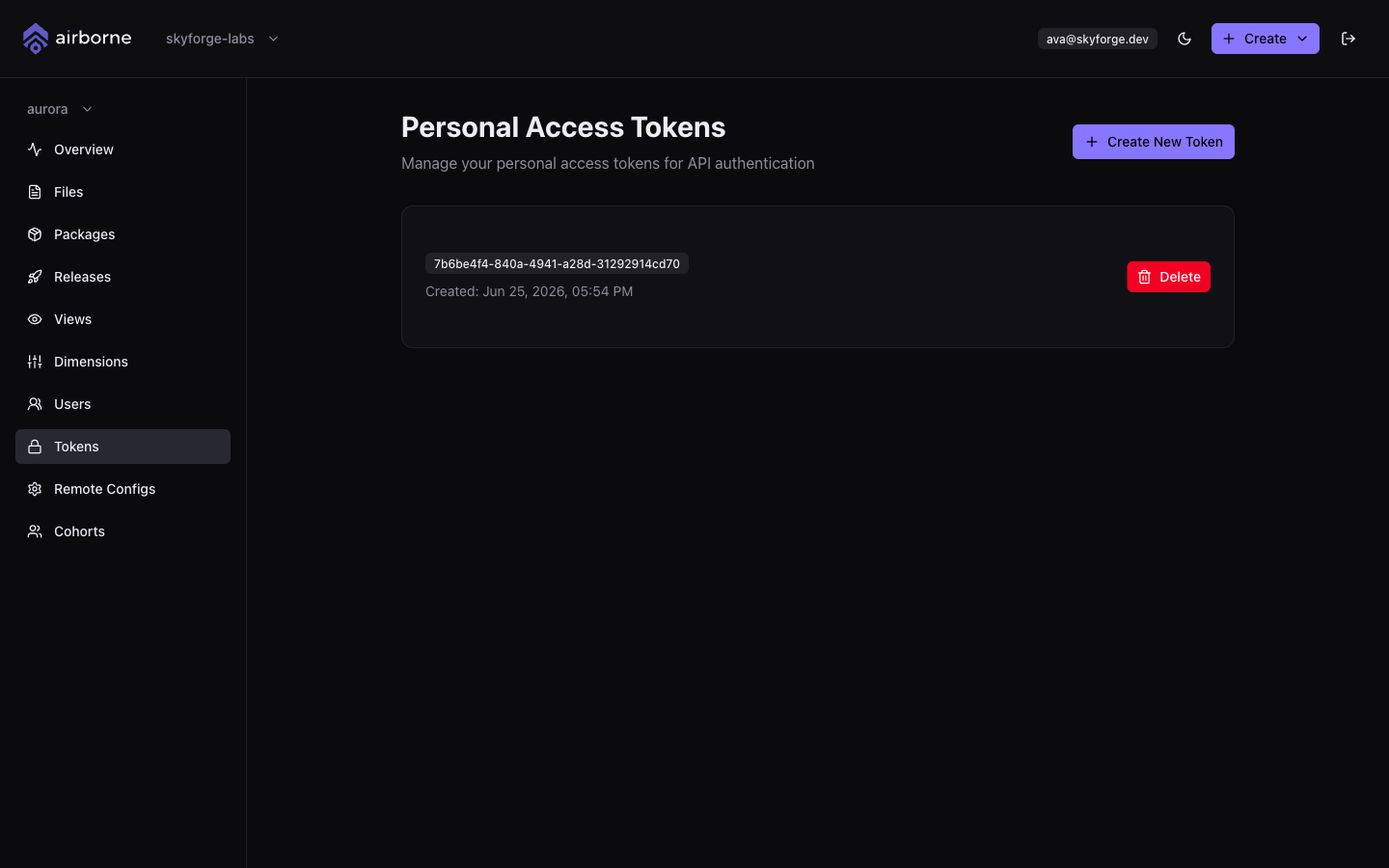
The Tokens page
The page is titled Personal Access Tokens and lists each token by its Client ID and when it was Created. Each token has a delete action. If you have none yet, the page invites you to create your first.
Creating a token
Choose Create New Token. Because a token grants programmatic access to your application, Airborne asks you to re-confirm who you are first.
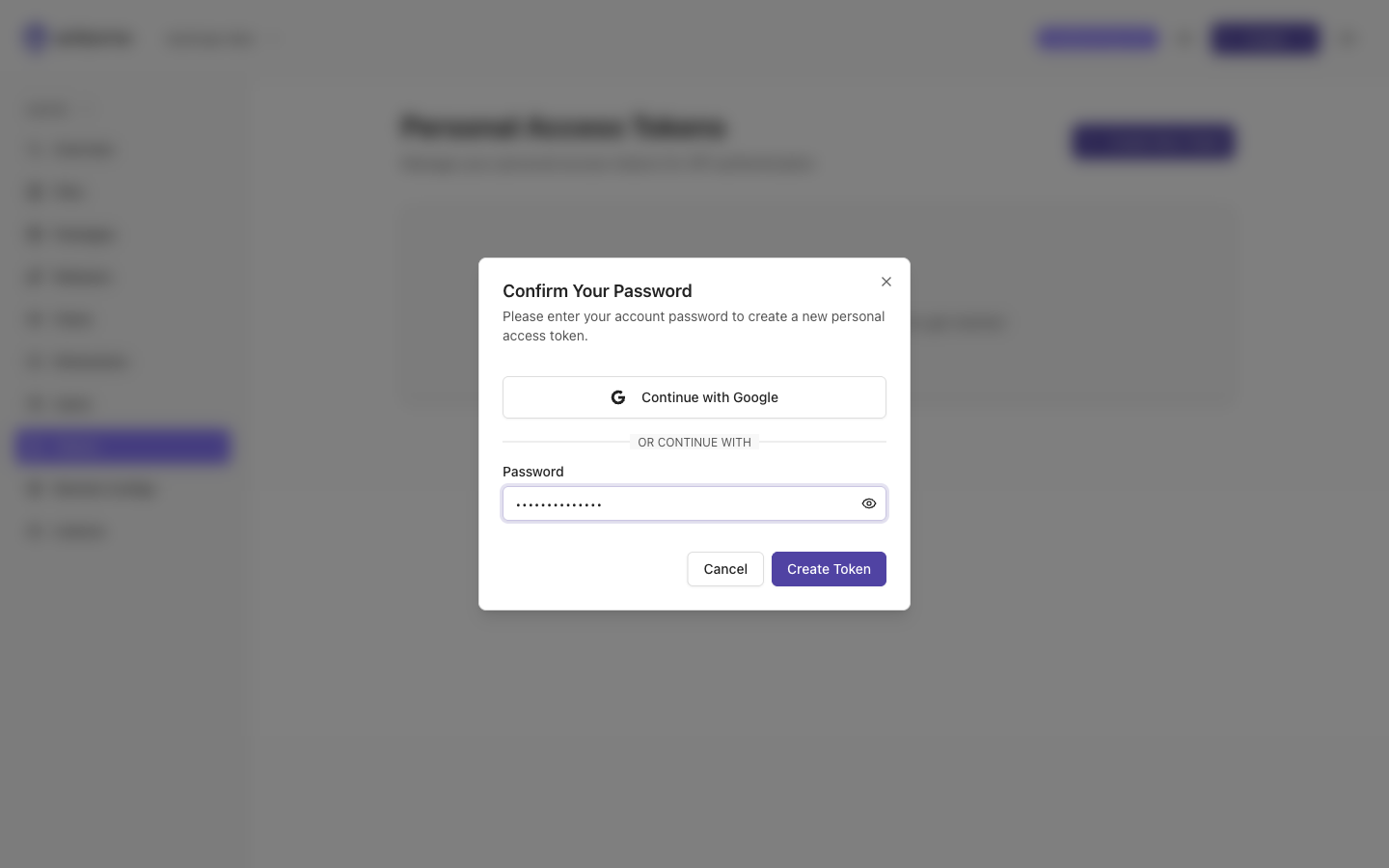
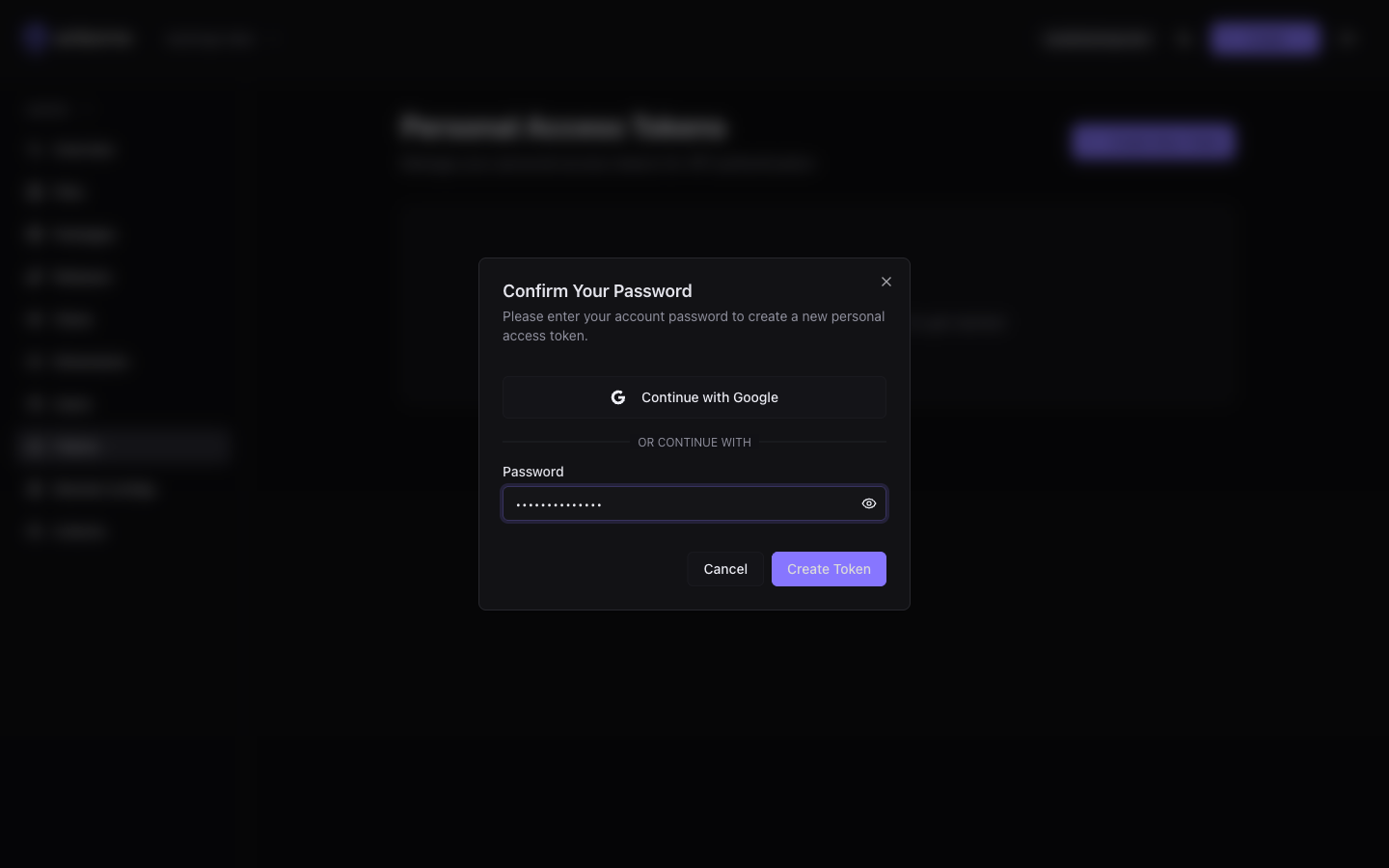
- If password login is enabled, enter your account password and confirm.
- If your deployment uses single sign-on, choose your
Continue with <provider>button and authenticate.
Copying the client secret (one time only)
Once confirmed, Airborne issues the token and shows it to you once.
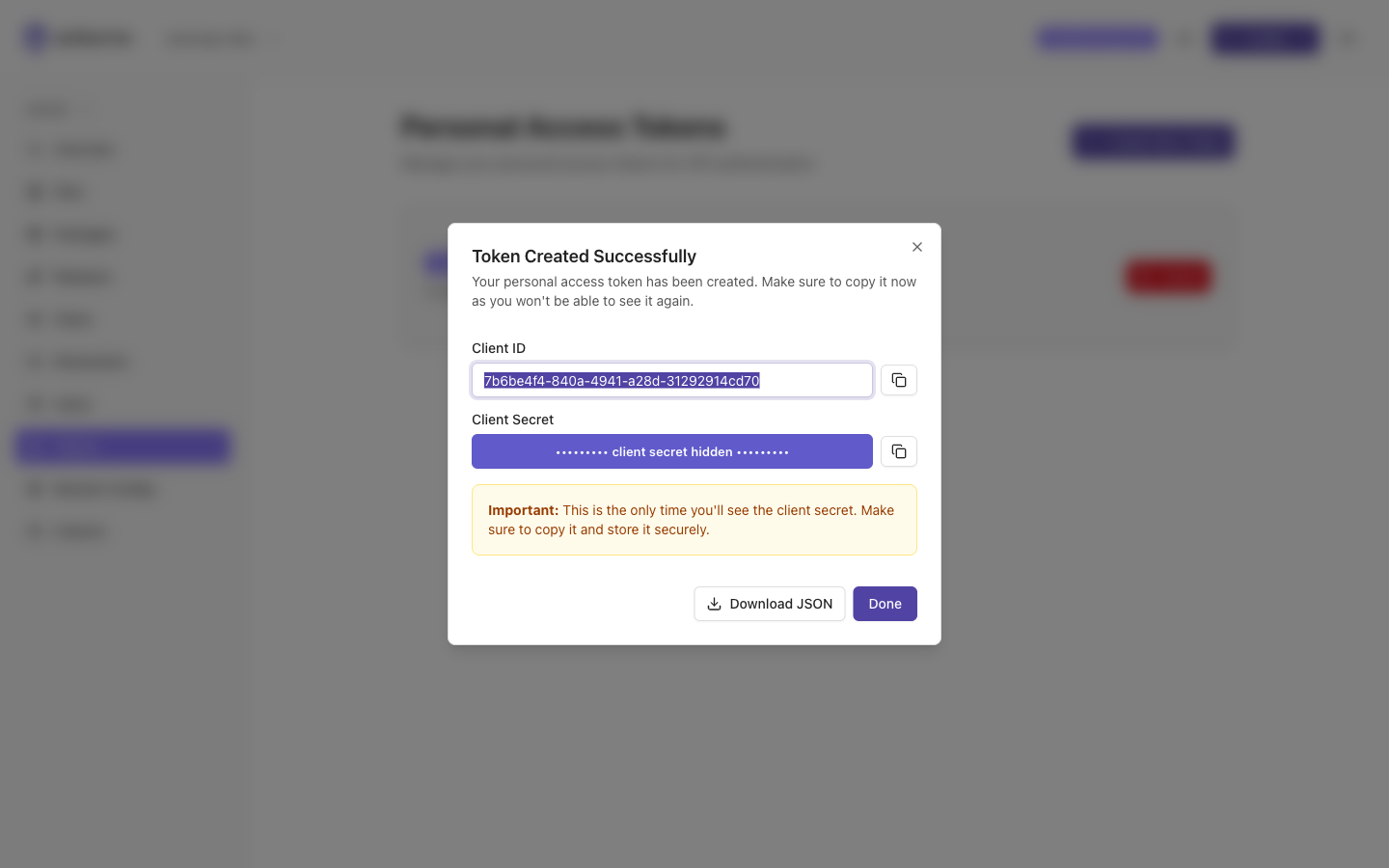
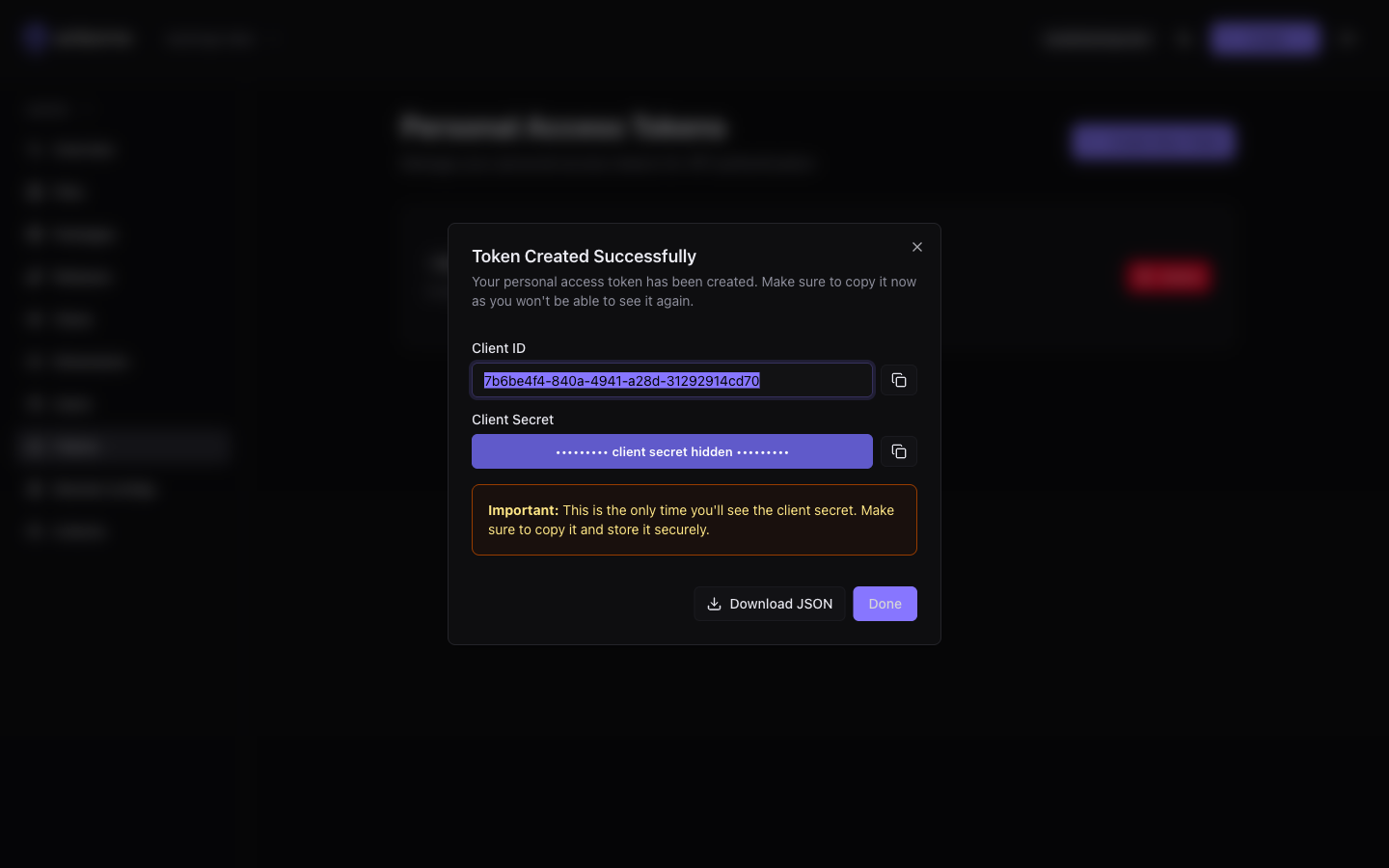
The dialog displays the Client ID and the Client Secret, each with a copy button. You can also choose Download JSON to save both to a file.
The client secret is shown only once. Copy it (or download the JSON) before closing the dialog — Airborne cannot show it again. If you lose it, delete the token and create a new one. Treat the secret like a password and never commit it to version control.
Choose Done to close the dialog.
Using a token with the CLIs
Pass the client ID and secret to whichever CLI you use:
# React Native CLI
npx airborne-devkit login --client_id <client-id> --client_secret <client-secret>
In CI, supply them through environment variables rather than hard-coding them:
npx airborne-devkit login \
  --client_id "$AIRBORNE_CLIENT_ID" \
  --client_secret "$AIRBORNE_CLIENT_SECRET"
For the full authentication flow and where each CLI stores its token, see:
Revoking a token
To revoke access, choose the delete action on the token and confirm in the Delete Token dialog. This cannot be undone, and any CLI or pipeline using that token will need a new one.
Use a separate token per pipeline or developer so you can revoke one without disrupting the others, and rotate them periodically.